

 Voyager Suite
 Breeze
 Virtuoso
 Investment Suite
 RentCafe
 CommercialCafe Suite
 Elevate Suite
 Procure to Pay Suite
  Energy Suite
 Aspire
 RightSource
 Care Suite
 Matrix
 WorkCafe
 Yardi Kube Suite
 ScreeningWorks Pro
  Yardi Corom



















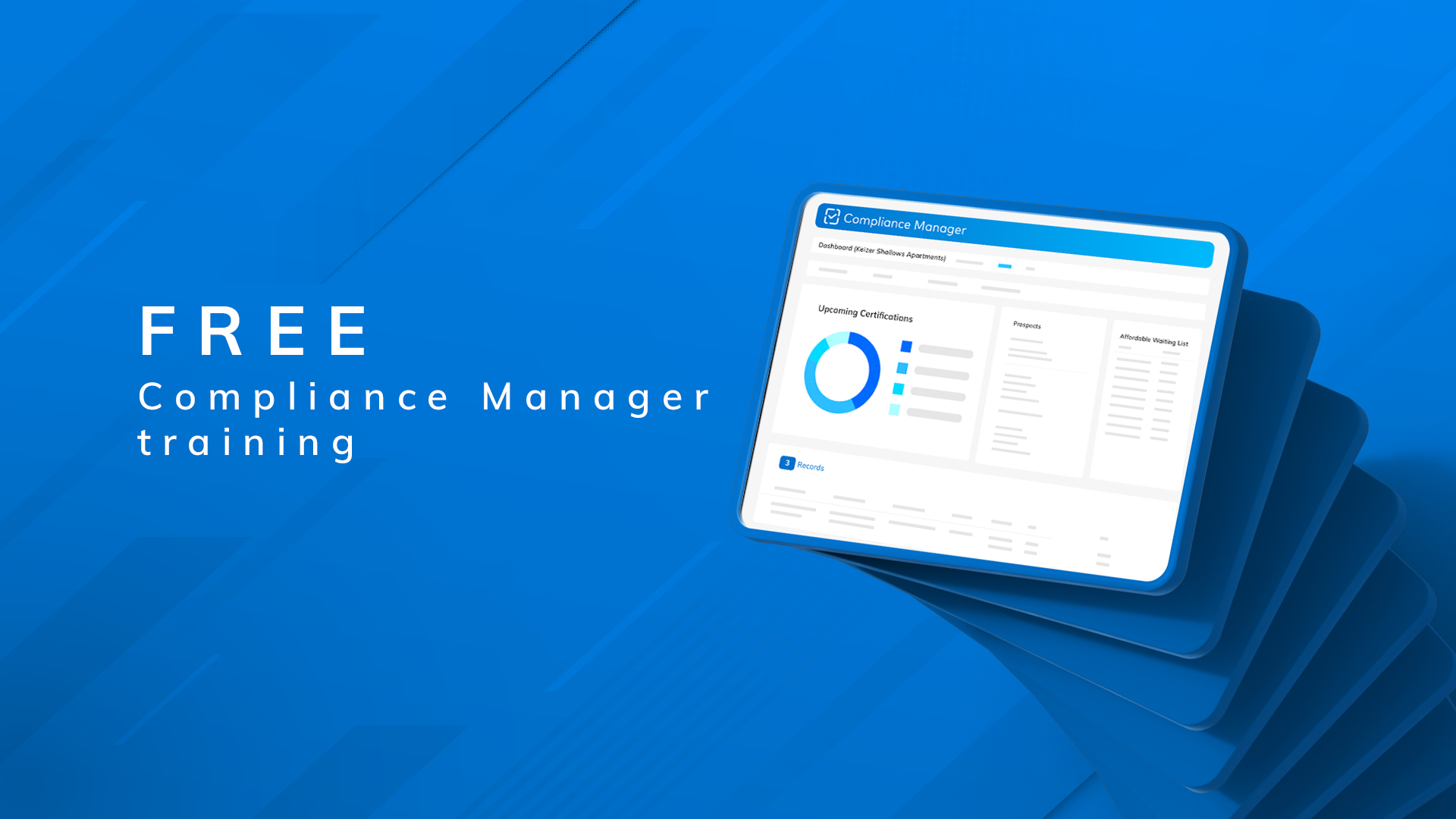
Yardi is bringing free, in-person Compliance Manager training to affordable housing professionals at offices across the country. Sessions are scheduled months in advance, and seats are filling up fast.
These free sessions walk attendees through everything that’s new with Voyager 8 and the Compliance Manager user experience. Current Yardi affordable housing clients who are planning to migrate, or have already migrated, from Voyager 7S to Voyager 8 can start making plans to attend today.
Read on for a full account of what these trainings typically cover and for a schedule of upcoming sessions.
A smarter, more intuitive interface
Dashboard & navigation
The experience of completing intake, certifications and ongoing property management tasks in Voyager 8 is shaped by the all-new Compliance Manager dashboard. Learning Compliance Manager is key to making the most of Yardi’s latest Voyager platform.
For teams that have grown accustomed to navigating multiple screens to complete basic tasks, Compliance Manager will likely be a welcome change. Yardi designed Compliance Manager to centralize key tasks and information in one place, significantly reducing back-and-forth navigation.
The traditional left-hand navigation pane is gone, replaced by a cleaner layout that feels unfamiliar at first but becomes intuitive quickly. Small enhancements, like the ability to save filters for reuse, add up to meaningful time savings over the course of a day.
The mega menu & favorites
Compliance Manager training often begin with a look at a new menu icon that transforms the experience of working in Voyager 8.
This feature, which has picked up a few fun nicknames such as the mega menu, waffle menu and bento box, enables users to switch instantly between roles, such as AR manager, leasing or accounting, without logging out or navigating through multiple screens.
Attendees will also discover that Compliance Manager has done away with traditional hotkeys. In their place, a new Favorites system simplifies access to a personalized set of most-used tasks. Virtually any feature or menu item can become a Favorite simply by clicking a star icon, and Favorites tied to different roles can easily be accessed from one centralized location.
Smarter reporting
Throughout the training agenda, attendees learn how smart reporting can save time when reports come due. Compliance Manager only shows reports that apply to the selected property type, which avoids the delays of sorting through a long list that isn’t relevant to the current property.
Program-directed menus & RentCafe integration
Smart reporting is just one example of how Compliance Manager keeps the focus on what’s relevant. The platform adapts to programs applicable to specific properties across intake, certifications and reporting. Teams managing 50059, LIHTC, or other federal, state and local programs see tools relevant to their portfolio without sorting through options that don’t apply to their immediate needs.
Training attendees have shown strong interest in new waiting list functionality, especially for properties with mixed workflows. Some features are only available when a property is connected to RentCafe Affordable Housing, which is an important consideration during setup and budgeting.
Users can send application invites directly from Compliance Manager and temporarily lock applications to prevent edits while they are under review, reducing rework and confusion.
Move-in & resident review
Keeping track of move-in progress is easier with visual indicators. They show at a glance what is complete and what still needs attention.
Questionnaire responses flow directly from RentCafe into Compliance Manager, creating a checklist-style experience that mirrors familiar compliance processes.
The Resident Review screen is a consistent highlight for its simplicity. Only essential information is displayed, with quick access to key actions such as sending invites, processing unit transfers and recording maintenance notes that are printed on work orders.
Built-in assistance: Compliance tools that go deeper
Even after training is complete, Compliance Manager users will occasionally need a refresher on a specific task. Compliance Manager includes built-in training and support resources that are available with a simple click. There’s no need to log into a separate module. Integrated Aspire content, customizable update notifications and centralized release notes help teams stay current without leaving the platform.
Join us at a session near you
These free, two-day trainings are designed for compliance directors, team trainers, SPOCs and those responsible for leading Compliance Manager adoption and training within their organizations. Sessions are held at Yardi offices. They run from 9 a.m. to 3 p.m. each day and are first come, first served with limited class sizes.
Upcoming sessions:
- April 14-15, Oxnard, CA (LIHTC)
- May 19-20, Melville, NY (LIHTC)
- June 2-3, Santa Barbara, CA (Combo)
- June 16-17, Atlanta, GA (Combo)
- Aug. 18-19, Dallas, TX (Combo)
- Sep. 15-16, Chicago, IL (LIHTC)
Register for a session near you