Voyager Suite
 Breeze
 Virtuoso
 Investment Suite
 RentCafe
 CommercialCafe Suite
 Elevate Suite
 Procure to Pay Suite
  Energy Suite
 Aspire
 RightSource
 Care Suite
 Matrix
 WorkCafe
 Yardi Kube Suite
 ScreeningWorks Pro
  Yardi Corom


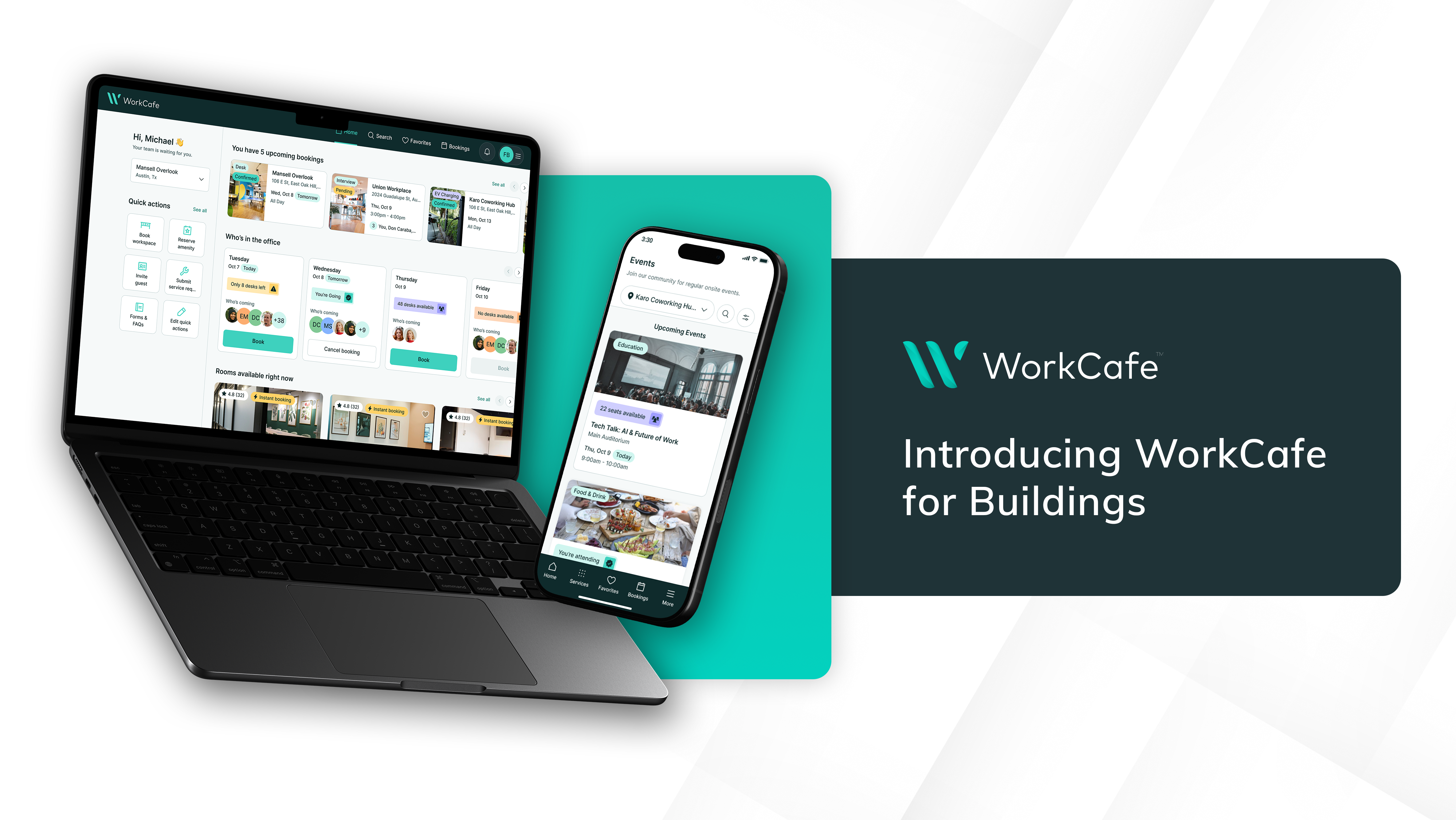
For most tenants in commercial buildings, interacting with the property still means an email thread or a call to the property team. A booking lives in one system, the charge lives in another, and someone on the property team rekeys at the end of the month. To close those gaps and eliminate friction, WorkCafe for Buildings connects tenant experience, operational and financial data in one platform built natively on Yardi Voyager.
From booking to ledger in one connected system
Imagine a tenant employee opens WorkCafe on her phone and books the conference room on the eighth floor for Thursday at 2 p.m. The reservation appears on your property team’s calendar right away. The room’s approval rules and pricing were already configured by your staff, so no confirmation step is needed. On Thursday, the charge posts to the ledger against her company’s account, on the same tenant record as the lease. At renewal time, that booking becomes part of a complete picture of how her company uses the building.
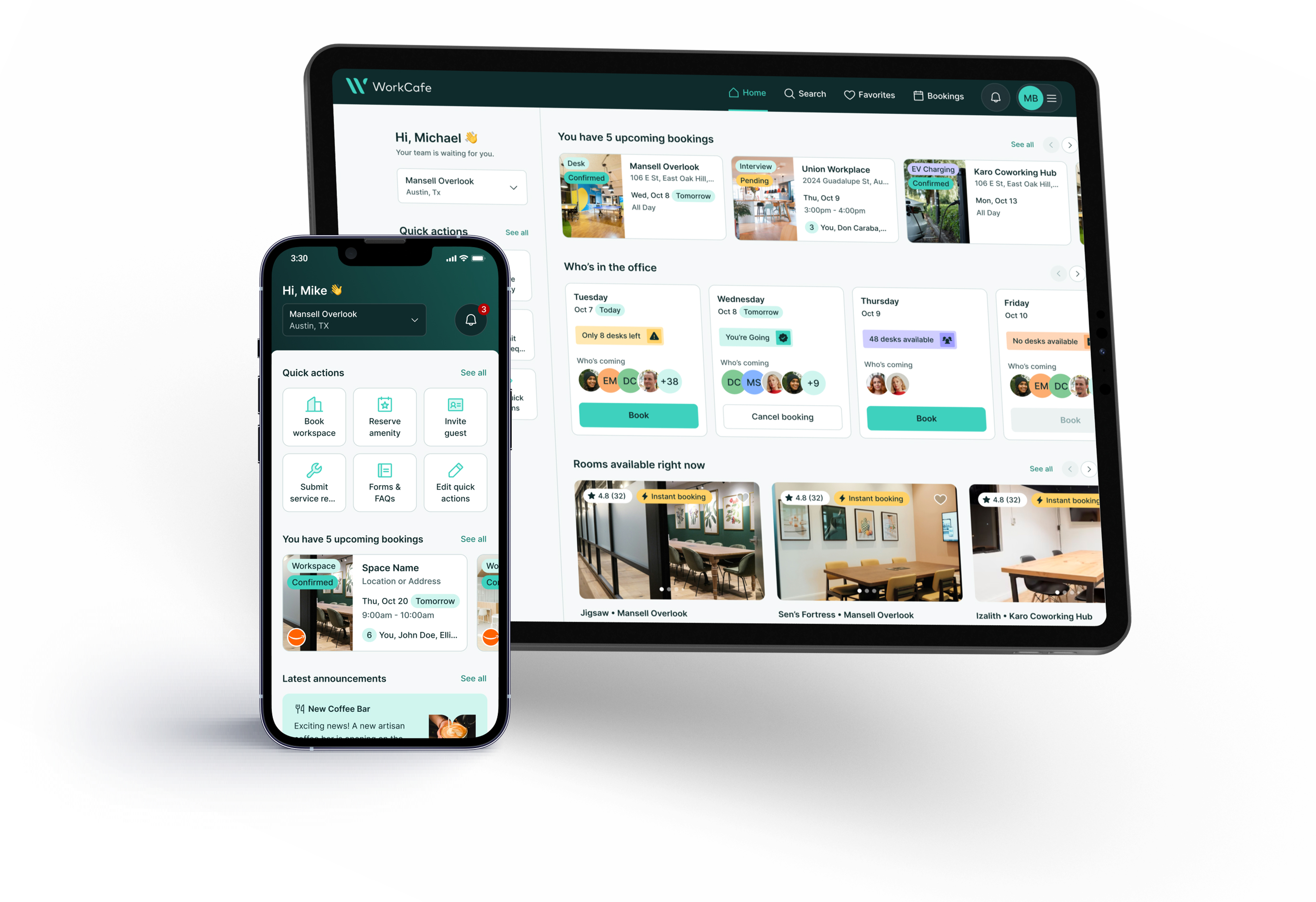
Every interaction in WorkCafe follows the same path: Bookings, visitors, service requests and packages land directly with your team, connected to your operational and financial data from the start.
Built natively on Yardi Voyager
WorkCafe for Buildings is built natively on the Yardi Voyager platform and runs on the same database, so the app always reflects current lease, financial and operational data. A booking can post to the ledger without anyone touching it, and tenants can be activated directly from Voyager without provisioning users in a separate system. Every booking, visitor and service request sits on the same tenant record as the lease and financials, so owners can see how a tenant uses the building across the full life of the relationship.
WorkCafe: One tenant app for the whole building
WorkCafe is the single place your tenants go for everything in your building through a branded experience on the web and in the palm of their hand. Tenants can use it to book any available amenities in your building such as conference rooms, lounges, a golf simulator or a rooftop patio. Whatever the property offers, your tenants see it and book it in a few taps. And whether the amenity is open, needs approval or carries a charge, WorkCafe handles it in the app.
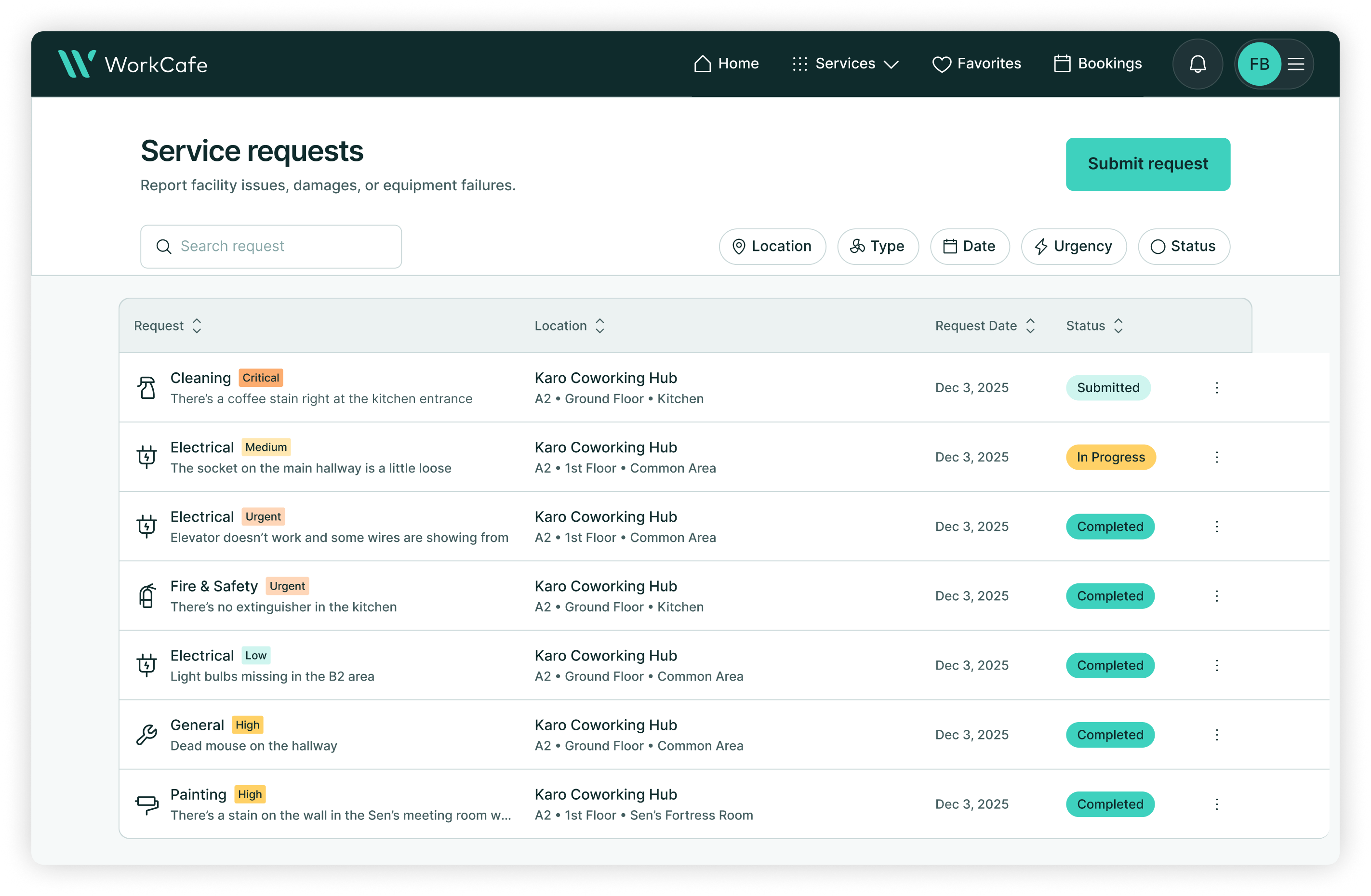
Tenants report issues and submit service tickets right from the app. Common area requests go straight to facilities and suite requests route to the tenant admin for approval first. All requests are tracked and everyone sees status along the way.
Visitor management promotes secure work environments. Hosts can preregister guests ahead of time, visitors get a smooth check-in when they arrive, and the building keeps a clean record of who came and went.
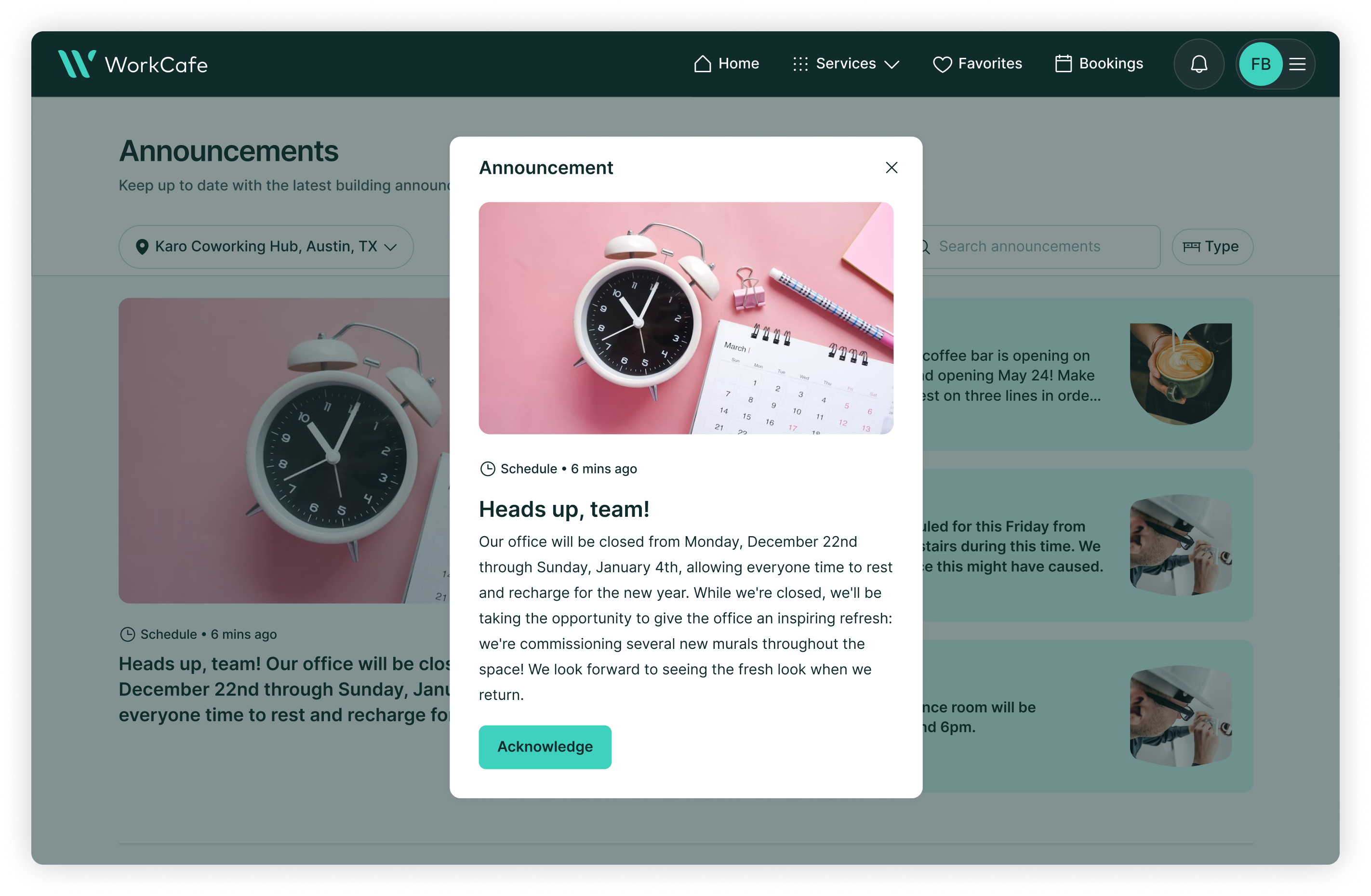
Tenants can view all property announcements on a single feed including building events and community moments, so they can quickly RSVP in the app instead of digging through forwarded emails or referring to lobby flyers.
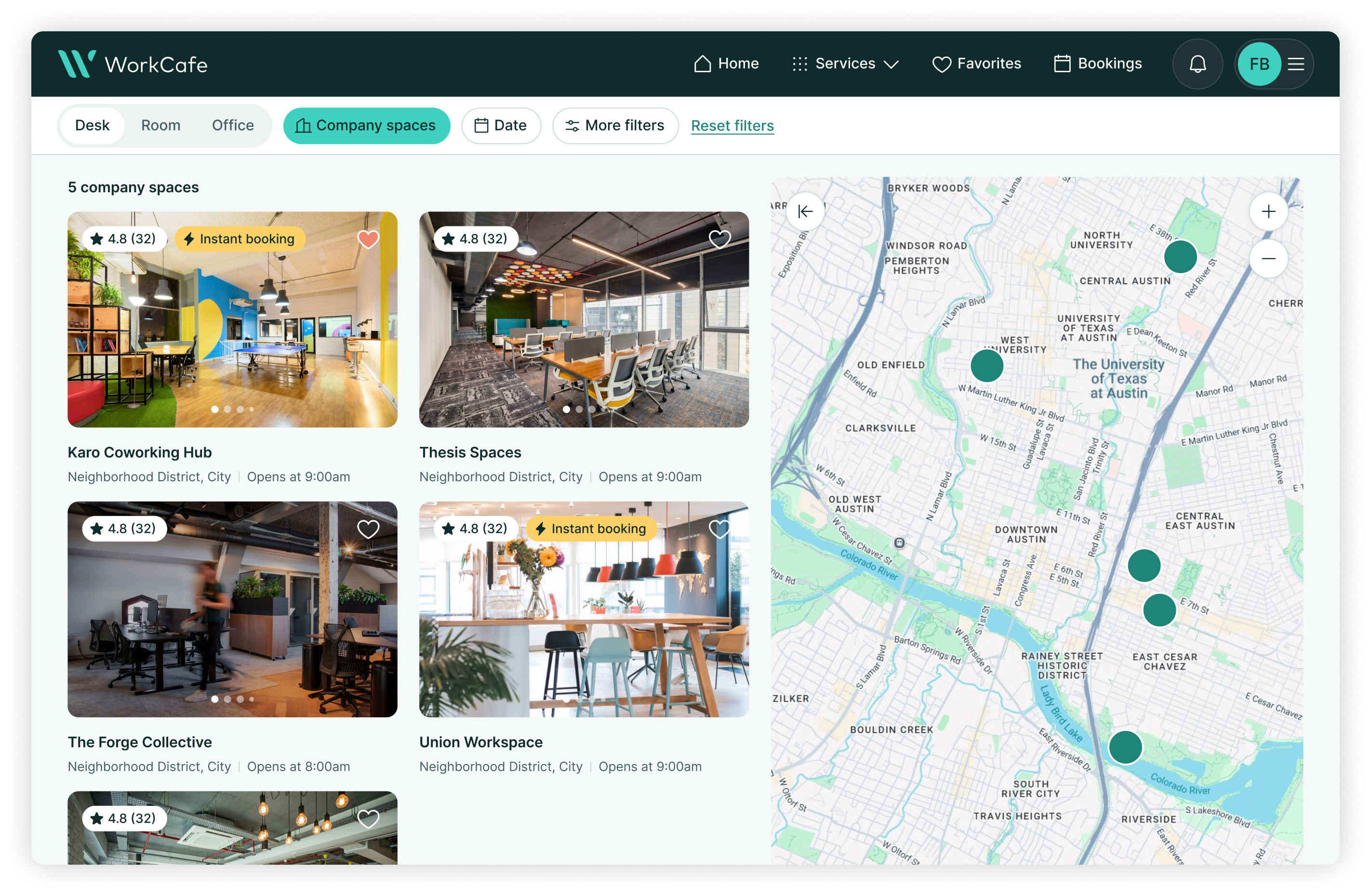
The app extends beyond your building’s walls, allowing tenants to book desks and rooms at other approved properties, with access to a global network of thousands of instantly bookable coworking spaces. Tenant admins get their own back-end view on office usage and approval flows, so a new hire has access on day one and a departure loses it the same day.
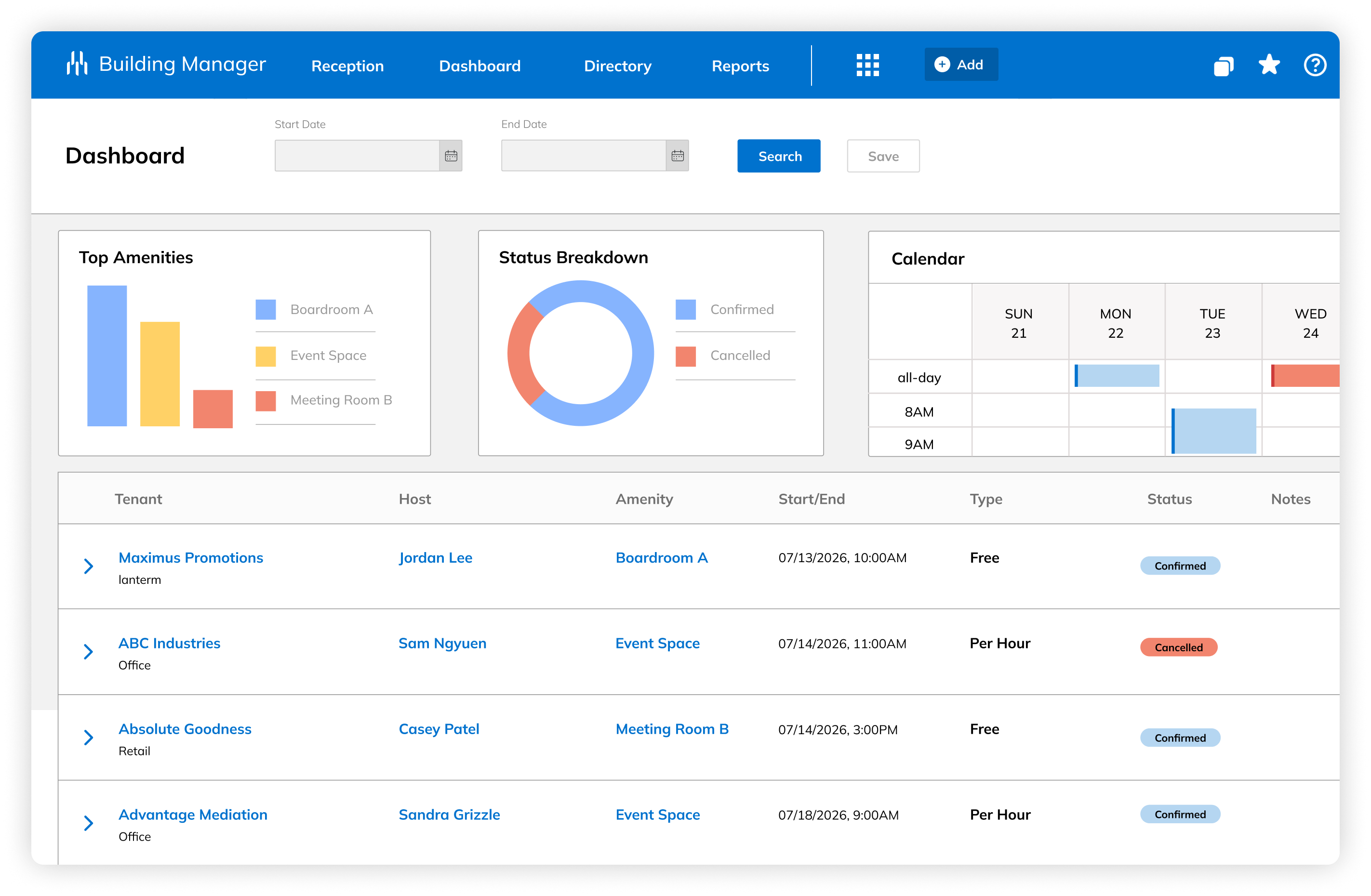
Building Manager: One view for your property team
Behind the app sits Building Manager, the operational dashboard where your property team runs the day to day. Every booking, visitor, package, ticket and announcement lands in one place, and your staff can see what fits their role. For example, a hospitality manager sees amenities, the front desk security team sees reception and a property manager sees it all.
From one dashboard, staff manage amenity calendars, approval rules and pricing. A dedicated reception view gives the front desk a live, auditable flow of everyone entering the building. Packages get logged and tracked until pickup. Communications go out across app, email and text with precise targeting, from the whole building down to everyone with a reservation in one room.
Property managers can configure space and amenity pricing for peak and off-peak hours to match tenant demand across the portfolio. Service tickets connect directly to Yardi Facility Manager, so tenant submissions, work order statuses and completions are the same record: Update it once, and it updates everywhere, on the tenant’s side and the operations side.
Getting started with WorkCafe
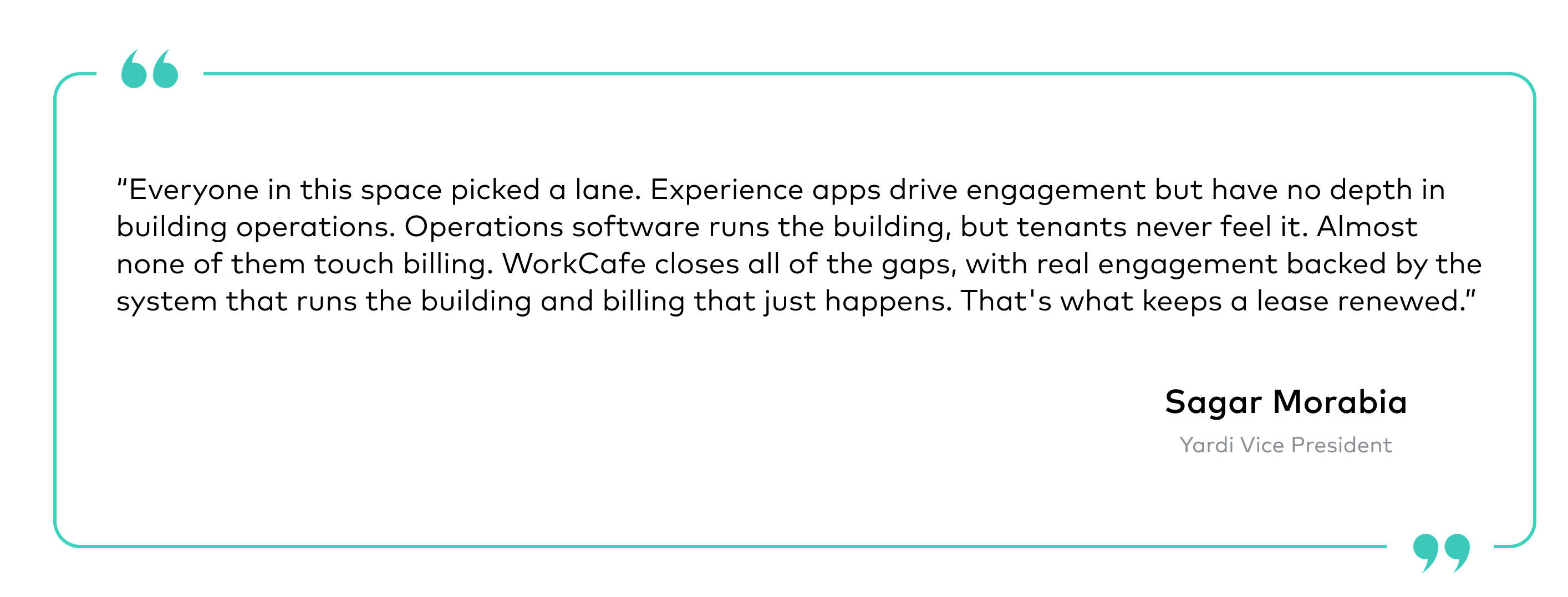
The market has forced a choice between engagement and operations for years. According to Yardi Vice President Sagar Morabia, WorkCafe was built to end that tradeoff.
You don’t have to roll out every capability at once. Start with amenity booking, prove out adoption and grow into full tenant engagement. If your buildings run on Voyager, WorkCafe for Buildings is the shortest path from operating a great asset to delivering a great tenant experience.
Learn more about WorkCafe for Buildings or book a consultation.
Frequently asked questions
WorkCafe for Buildings is a tenant experience platform for commercial buildings that gives tenants a branded mobile and web app for booking amenities, submitting service requests, managing visitors and receiving property communications. Behind it sits Building Manager, the operational dashboard your property team uses to run the day to day. Both connect directly to Yardi Voyager.
WorkCafe for Buildings is built natively on Yardi Voyager and runs on the same database. That means tenant activations, bookings, charges and service requests all flow directly into Voyager without a separate integration or manual reentry. There is no third-party sync to maintain.
Tenants can book amenities such as conference rooms, lounges and rooftop spaces, pre-register visitors, submit service tickets, receive property announcements and book desks or rooms at other approved properties or coworking locations. Tenant admins manage team access and approval flows from the same app.
No. WorkCafe for Buildings is built natively on Voyager and shares the same database. Tenants are activated directly from Voyager, and all data (bookings, charges, service tickets) lives on the existing tenant record. There is no separate provisioning or user management system to maintain.