

 Voyager Suite
 Breeze
 Virtuoso
 Investment Suite
 RentCafe Suite
 REACH by RentCafe
 CommercialCafe Suite
 Elevate Suite
 Procure to Pay Suite
  Energy Suite
 Aspire
 RightSource
 Care Suite
 Matrix
 Yardi Kube Suite
 ScreeningWorks Pro
  Yardi Corom

















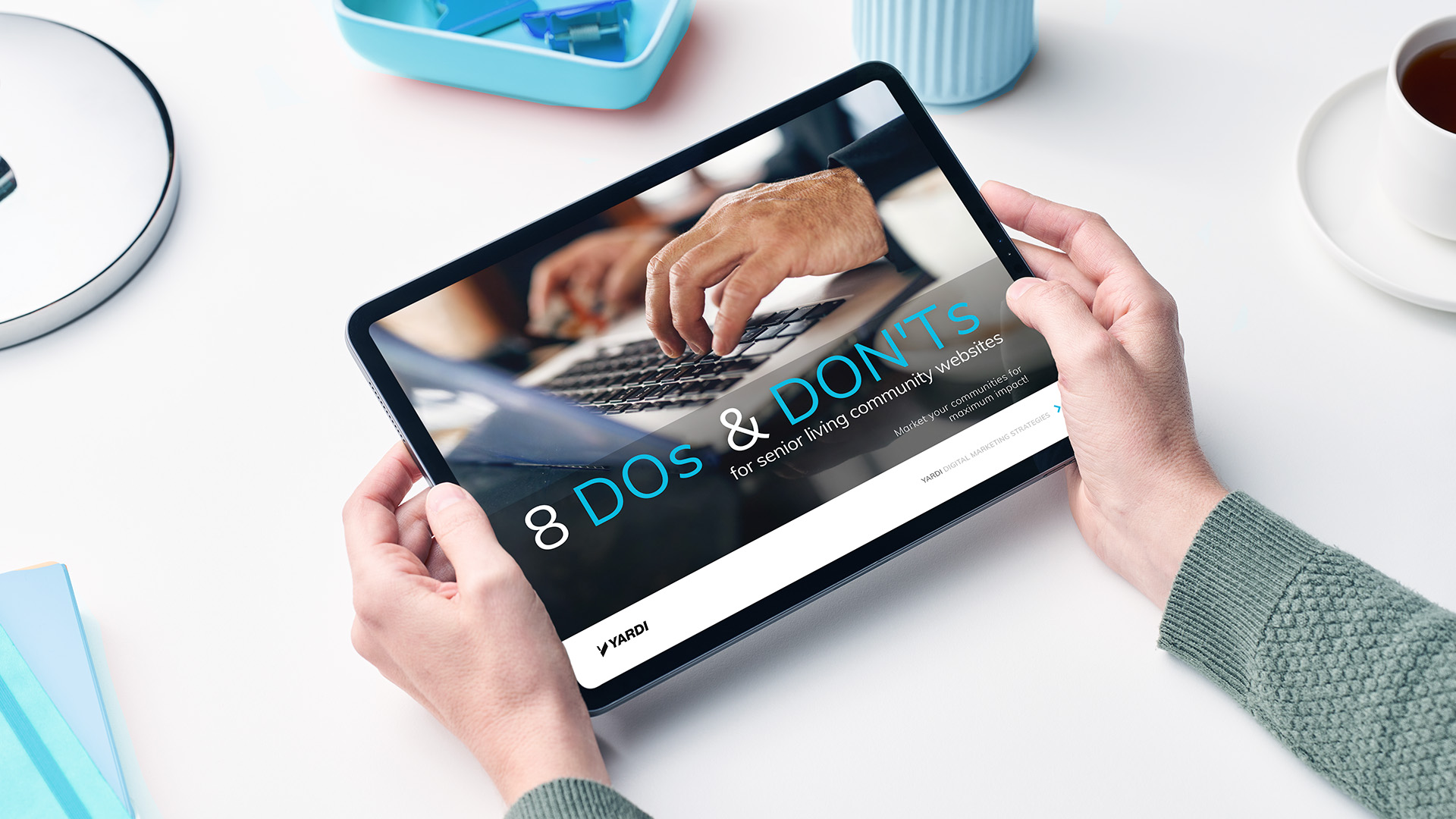
Did you know that 87% of families say online reviews influence whether they’ll even consider a senior living community? If your website doesn’t have the information they’re looking for, they won’t spend their time looking at it. They’ll just move on to the next search result. To attract more prospects to your senior living community websites, you’ll need to get their attention and keep them engaged.
Digital curb appeal
What do you think when you drive by a community with overgrown landscaping, worn paint and trash out front? Bad curb appeal is a sign of unprofessional community management. It can discourage prospects who visit in person from touring the community or completing an application.
Digital curb appeal works the same way for online prospects. Their first impression of your community is usually your website. If your marketing website has bad photos, poor functionality and broken links, do you think they’ll want to take the next step? Or will they leave and check out a competitor with better digital curb appeal?
Your website’s most visited pages & what you can do with them
Many property management businesses, including senior living communities, use RentCafe websites for their corporate and community marketing websites. In fact, more than 30,000 RentCafe websites are live today. Based on aggregated data from these sites, we can see the three most visited property pages (after the home page) are floor plans, photos and amenities.
Let’s look at how you can make these pages more effective and engaging for your prospects. Here are 8 tips and tricks for what you should do and what you should avoid.
1. Floor plan options: Do show multiple views for a single plan. Don’t leave them guessing.
Many communities display only one image per floor plan, but a great way to maximize content and prospect interaction on your floor plan page is to provide multiple floor plan images, such as 2D and 3D layouts as well as actual photos. With RentCafe, you can add as many images as you want.
Tip: Go one step further and provide 3D walkthrough and virtual tours. It will show prospects what it’s like to live there and keep them engaged with your website.
2. Floor plan info: Do give site visitors the information they need to take the next step. Don’t let a bad user experience cost you potential residents.
Make sure visitors can find the details they need on your floor plans page to keep them moving forward. When a prospect clicks to see the availability of a floor plan, what happens next? How do you help them identify which unit meets their needs?
More information means a more educated customer who’s comfortable completing the transaction online. This means you don’t need to use onsite resources to convert. And they’re not leaving for a competitor’s site.
Tip: Did you know that the floor plans page is the most effective place to use nudge marketing? Our experience shows that the most successful strategy is to pop up a nudge after your prospect has spent at least 10 seconds engaged on this page. Use this as an opportunity to capture lead information or introduce a community special. Or go for it and ask to schedule a tour!
3. Photo quality: Do invest in good photography. Don’t try to DIY, unless you’re a pro.
The best way to optimize your photo page is to have many high-quality photos for prospects to look through. Images should be high resolution, brightly lit and not blurry. Showcase kitchens, community spaces and special fixtures, appliances or finishes. Include photos of your happy onsite team. Don’t waste time with photos of bare walls or anything that is hard to understand out of context.
Tip: Search “Google Trusted Photographers” to find professionals in your area who know exactly what prospects do and don’t want to see. They upload your images to all Google assets like Google Maps and your Google Business Profile. Or use our LCP Media experts.
4. Photo descriptions: Do be strategic about the copy surrounding your photos. Don’t skip the descriptions.
After you upload your photos, always add descriptions. Don’t be tempted to think photos are worth a thousand words, so you can leave out descriptions!
Pairing good captions with your gallery photos creates a sense of place as your potential residents browse through them. It also helps your search engine optimization (SEO) because captions add context for search engines.
Tip: To optimize accessibility, edit file names and alt text for your images. Make sure alt text is accurate and concise. Remove redundant language.
5. Photo sharing: Do share your images on social media to boost traffic. Don’t keep your community a secret.
You paid for great images, right? Get them up on Instagram! In fact, it only makes sense to share them in as many places as possible — especially since today’s prospects interact with brands on more platforms than ever before. Post photos on social channels, then invite your audience to view more images with a link back to your gallery page.
6. Amenity differentiators: Do identify unique selling points. Don’t mimic the nearest competitor.
If you list the same amenities as your competitor, what makes your community stand out? Identify unique selling points you have that they don’t. Maybe you have a great chef, free pet treats in the lobby or a hilarious maintenance tech. Don’t be afraid to list these. Better yet, make them stand out by adding a featured amenity icon.
Tip: Claim neighborhood hot spots like extended amenities. Close to a great park? Restaurant or shopping nearby? Add it and link it. Even communities with few onsite perks can look fantastic when you think beyond your borders and tell the neighborhood story on your amenities page.
7. Amenity photos: Do add photos for every amenity. Don’t miss your chance to show off.
Add pictures, pictures and more pictures. There’s a huge difference between just reading the word pool and seeing a high-quality image of a sparking pool on a sunny day. Use your amenity photos to create wish-you-were-here moments that make prospects want to move in ASAP.
Tip: Be sure to include vertical photos as well as horizontal ones to give mobile visitors a better viewing experience.
8. Amenity descriptions: Do give each amenity its own description. Don’t miss out on search traffic.
Be sure you add short but sweet descriptions to all your amenities. If you have a fitness center, you should describe exactly what equipment is in there. If you’re telling people that you have a courtesy shuttle, add a link to the shuttle schedule. Amenity descriptions create helpful content for both prospects and search engines.
Tip: Use engaging language to describe amenities. Instead of saying “resort-style pool”, how about “poolside lounging”? Instead of a “gourmet kitchen,” how about a “chef’s dream kitchen”?
What’s next
Now that your floor plans, photos and amenities pages are optimized, your community marketing website is ready for an influx of visitors. But how will you get them there?
Reach more prospects with a cohesive marketing strategy for your senior living community website that includes:
- SEO and generative engine optimization (GEO) to win more clicks in local search results
- Pay-per click (PPC) strategy to deliver relevant ad content that gets clicks
- Social media to increase brand awareness and drive engagement
- Reputation management to take control of your digital reputation
- Premium listings exposure to cast a wider net
You can manage all these tasks yourself, and possibly hire a new person or two. Or you can get expert help and transparent result reporting with a full-service search engine marketing agency like REACH by RentCafe. Connect the prospect’s journey with all your sales, marketing and move-in processes with Senior CRM.